
Who is Stealing My Voice : Voice Recognition for Access Controls
Voice recognition technology is reshaping access controls in the digital landscape, offering enhanced security through personalized biometric profiles. Unique voiceprints provide robust authentication, while also delivering a seamless user experience and versatility across various applications. Despite challenges, continuous advancements in AI and machine learning make voice recognition a promising and viable option for advanced security measures.
Is my phone being hacked ???

In today’s digital age, smartphones are essential, but they can be vulnerable to hacking. Signs of a hacked iPhone include unusual battery drain, slow performance, unusual data usage, strange pop-ups, and unexpected account activities. To address this, monitor battery and data usage, remove suspicious apps, avoid suspicious pop-ups, and promptly address unauthorized account access. Regularly update software and consider installing reputable security apps for added protection. If the issue persists, seek assistance from Apple Support or cybersecurity professionals.
Is Your Child Safe Online?

Keeping children safe online is a top priority for parents and caregivers in the digital age. The internet offers numerous educational and entertainment opportunities, but it also comes with potential risks. Here are some practical tips to help ensure the online safety of children: By combining these strategies, you can create a safer online environment for children, allowing them to explore the internet while minimizing potential risks. Regularly revisit and update safety measures as your child grows and their online activities evolve.
What is Cybersecurity?
Cybersecurity protects an organization’s ability to function, and it enables the safe operation of applications implemented on the organization’s IT systems.
I always feel like somebody is watching me!

Many people believe that our conversations are being recorded and analyzed while at the same time being used for marketing purposes. On the extreme end of the privacy spectrum, hackers can access cameras and microphones on your devices and record your actions and conversations without being detected.
Protecting our Kids Online
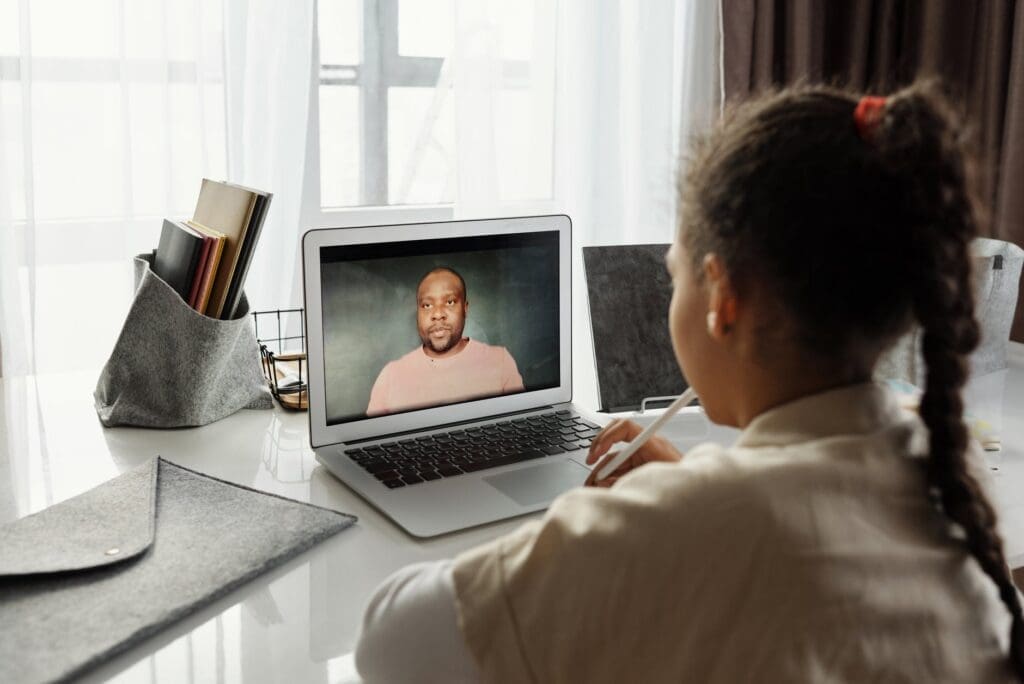
By Christopher Nelson CISSP There is a lot to consider when you allow your children access to the internet. It is increasingly difficult for parents when their kids are online more often than they should be. It is hard to find the time to monitor our children, especially when we are working from home and occupied with our own online meetings. Almost half of kids aged 8 to 16 are always online and laser focused on games for entertainment and social media apps. Many kids lie about their age online and 40% reveal private information online such as their home address. These activities increase the dangers from inappropriate content, bullying and predators. So how do we help our children stay safe online? The first step is to educate and encourage our children to be vigilant while exposed to the digital world. These are some tips to keep your kids safe: To protect our children, we must first understand the risk of being online. The dangers may come from friends, strangers, and the sensitive information that they might share. Friends: On social media, messaging apps and online games, kids may encounter bullies who provoke them. Be aware that other children may share your child’s private information and if it has sexual content, it will be considered a criminal offense. Strangers: On social media and online games, these predators hide in the dark pretending to be children but target children or adults with poor security and then trick them into divulging passwords and sensitive information. Parents or caregivers should always keep an eye on kids when they are online because they may attempt to download dangerous software or share private information. Predators may attempt to gain your child’s trust and take advantage of them, so we need to protect them from these threats. I can never say enough about installing strong antivirus software with family friendly features and sharing these tips with family and friends about cybersecurity. Put in place internet rules. Stay safe with rules about internet usage such as: No access without an adult’s permission Limit the screen time to an agreed amount of time per day. Restrict access to safe and specific apps. Review access and content controls on applications such as language, age, restricting comments and communication capabilities such as messaging, picture sharing and voice. This will prevent the sharing of private information or intimate pictures. No new applications should be installed without adult approval. Talk to an adult if someone is trying to get me to do something I do not want to. Encourage your kids. Empower your kids to protect themselves online by following a checklist: I know what to do if someone makes me feel uncomfortable. I know what information I can share. A friend online could also be a stranger. Not all websites are good. There are no secrets on the internet. Only parents can make online purchases. Parents must lead by example and demonstrate that their own online behavior is safe and responsible. Tools that aid cyber protection Anti-virus: Not all anti-virus solutions are created equally. Check the reviews and capabilities to protect your environment from viruses, ransomware, and malicious programs. Anti-phishing: This prevents access to bogus links. Webcam protection: Turn off and cover your webcam when your meeting is finished. Content blocker: Install content blockers to prevent access to the more dangerous parts of the internet. Password protector: Use a password protector to keep passwords safe until kids’ login again. There is no tool that can guarantee your child’s online safety but by changing our behaviors and making them aware, we can create a safer environment for children to meet, entertain and play.